AnimeEffects
A downloadable tool for Windows, macOS, and Linux
v1.7.1
Easily animate your images!
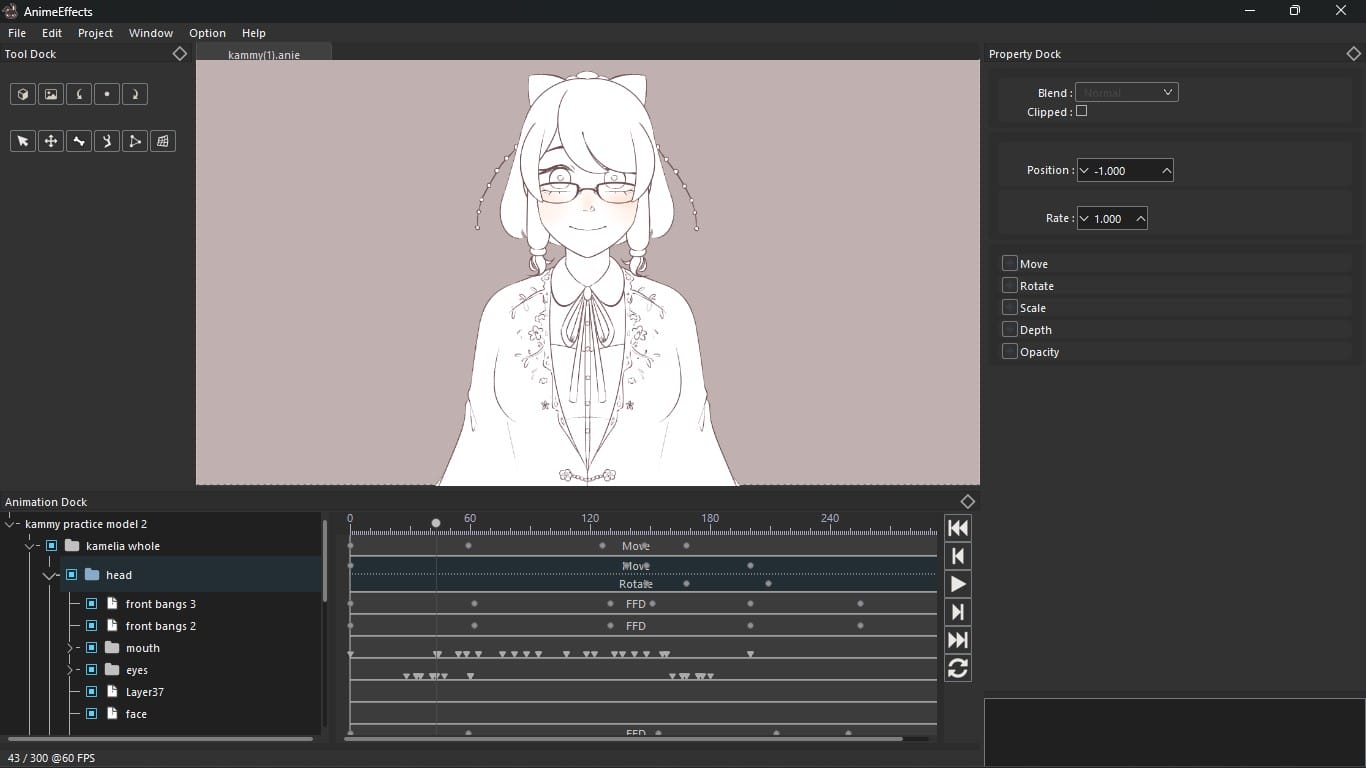
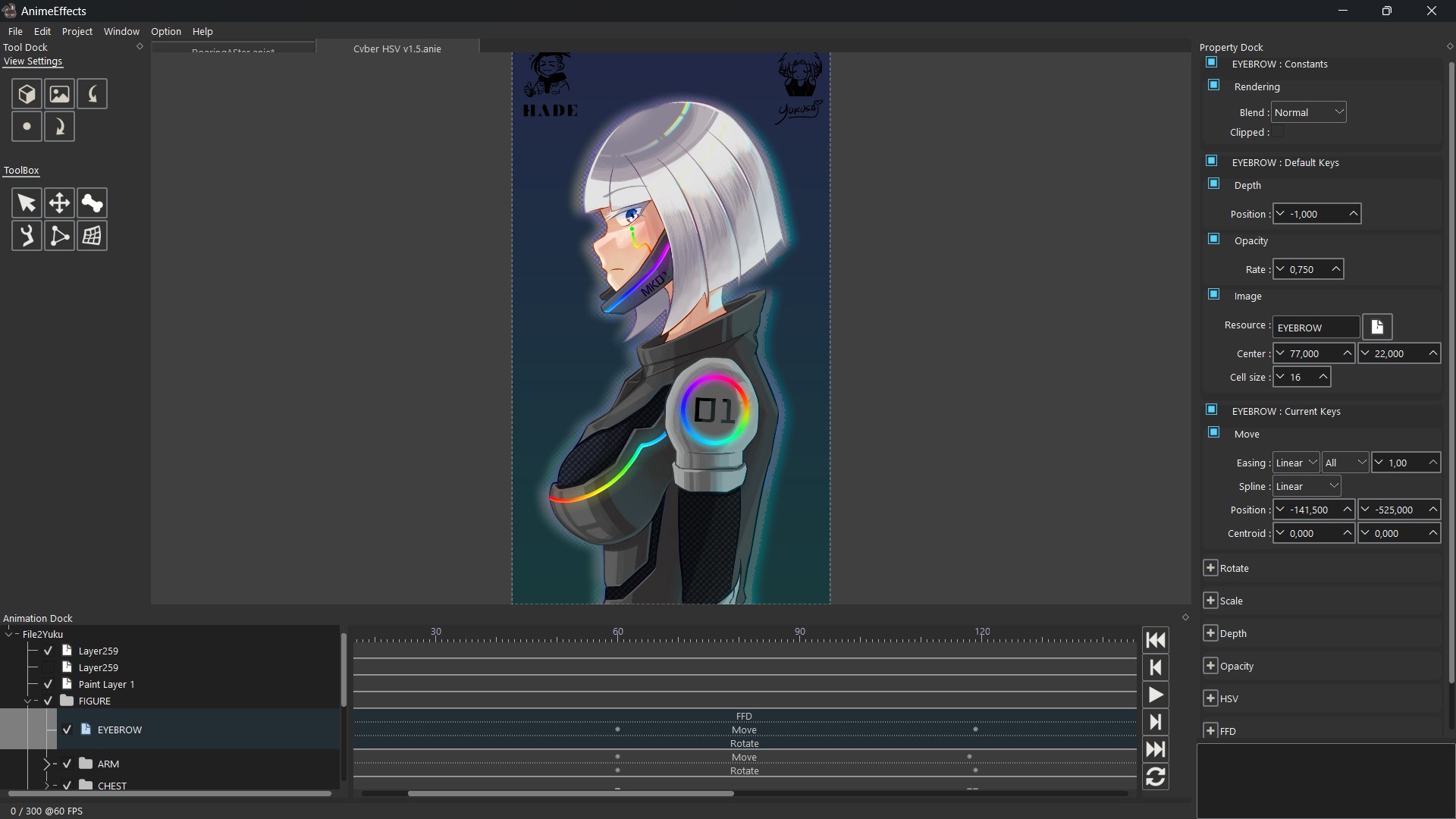
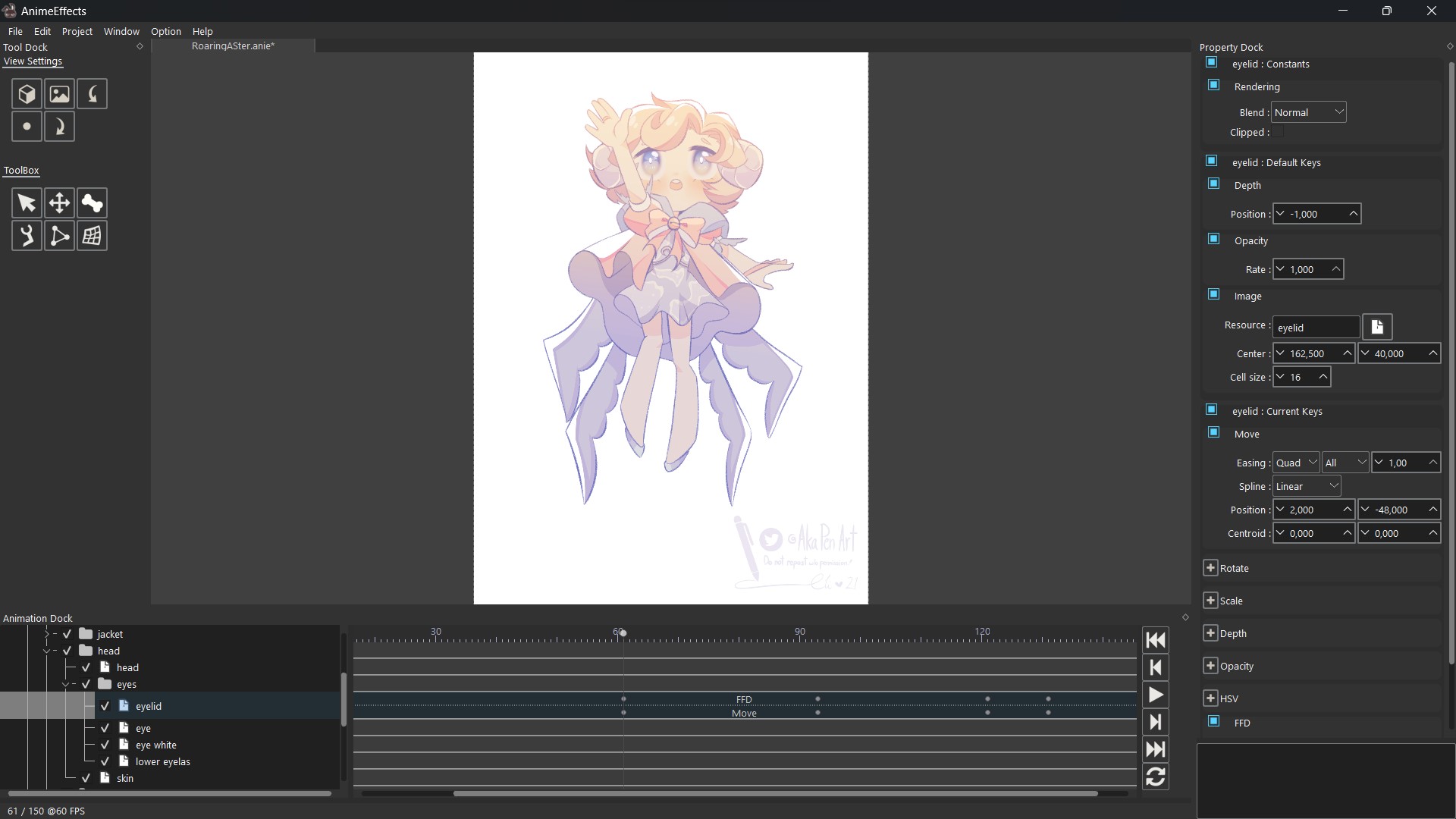
AnimeEffects is an open source 2D animation tool that simplifies animation by providing various tools based on the deformation of polygon meshes.
Originally developed by hidefuku, it is now being developed and maintained by its community.
- Official Website:
- Official socials:
- Discord: AnimeEffects (courtesy of J.M)
- Twitter: @anime_effects (courtesy of p_yukusai)
- Reddit: r/AnimeEffects (courtesy of visterical)
- TikTok: @animeeffectsofficial (courtesy of danika)
- Discord: AnimeEffects (courtesy of J.M)
- Source code:
- Current lead developer socials (@p_yukusai):
Note: For the present there may be incompatible changes made, these will be made known in the release affected should they occur.
If you have any issues or wish to suggest new features, feel free to reach out to us!
Download
Click download now to get access to the following files:
Perks
Support this tool at or above a special price point to receive something exclusive.
Donator role on our Discord Server
You will be granted the donator role in our Discord server should you decide to join, should I forget to do so you can contact me directly within the server or through here!
Development log
- v1.7.1 has been released11 days ago
- v1.7 has been released!Aug 04, 2025
- Custom easing and bezier editor!Jul 13, 2025
- v1.6.1 has been released!May 24, 2025
- AnimeEffects v1.6 has been released!Mar 11, 2025
- Audio beta available!Nov 22, 2024
- Audio update soon!Oct 11, 2024
- AnimeEffects v1.5.1 hotfixJan 20, 2024

Comments
Log in with itch.io to leave a comment.
I love this program and highly recommend for anyone who has a potato pc.
You can make advance-looking animations from it too. The people on Discord are nice as well and will help with any beginner questions you might have.
Nice program. Would there be a future option to have the audio save with a specific file? When I open a previous project it may use the audio that I've loaded for my current project, and I have to re-add the audio and stuff. Also, could you allow us to see the audio duration in seconds/minutes instead of frames? Frames doesn't really help gauge a sense of time.
You can save the audio configuration! Thanks for the suggestion, I’ll add it when I can.
Thank you. I also have another query. When you start a new protect and import your initial media, the centroid never lies on my imported media, rather it defaults to the top left corner of the canvas. Will this be a thing that will soon be patched?
I’ll check it out
Thanks!
Hey again, sorry for bothering so many times. Is there a discord server where I can interact with any devs or others who also use this application? I wanted to ask about the image feature placing the new image in a completely different area from the original layer and its messing with my animation flow. Thanks.
Hi!! I cant seem to find a way to add audio, is there any tutorial how to ?
What version are you using?
1.7 !!
There is a button on the timeline with an audio icon, it’s below the play/pause button
Oh thank you!!
The liquify tool overrides all the other animation how do i avoid this?
FFD does not overwrite animations though, please send me the project and tell me what version of AnimeEffects you are using.
My sincere apologies for the 2 month late reply. I forgot I had typed about this. It does seem to work now. (Using 1.7 ver) Before when i would use ffd on an element that already have a move key it would mess up the work the move key did. Now it's resolved I tested it. I also had another issues with the image thing. When i put a new image it wouldn't adopt the existing keyframes. I tested it just now and it seems to work. Thanks tho! (Edit: It doesn't adopt FFD)
when I import an audio into a project it stutters and gets choppy and I don’t know how to fix it. I’ve changed the frame rates in preferences and in the audio settings. I’ve also tried making the audio mp3, WAV, and mp4. I made sure playback was on too. Still to no avail my audio was either completely quiet or choppy/stuttering throughout. Can I please have help with this?
I have fixed the issue, pending release in v1.6.2
Great program!! Thanks for the linux support too!! :D
YAY!!!!
goated with the sauce